Why your website isn't showing up on Google and what you can do
When your website doesn't show up on Google, it's usually one of three cases: Google hasn't reached it yet, something is stopping Google from reading it, or the website does show up, just not for the searches you're trying. Each case has a different fix, so the first step is to find out which one you're in. It takes two minutes.
First, check whether Google knows about your website
Open Google and type site: followed by your address, with no spaces and no www, for example site:yourcompany.ro.
- Pages from your website show up: Google knows about it. The problem isn't that it's missing, but that it doesn't show up for the searches that matter to you. Skip to "If it shows up, but not when you search".
- Nothing shows up: most likely, Google hasn't added it to its list yet. Read the next section.
The site: search doesn't always show every page Google knows about, but it does show whether it knows some of them. The definitive answer for a specific page comes from Google Search Console (below), when you check that page's address there.
If it doesn't show up at all
The website is new. Google says it can take a few weeks to notice a new website. You can help things along with Google Search Console, a free tool from Google: you add your website, submit the site map (the sitemap) and request indexing for the home page, meaning you ask Google to add it to its list. Even then, Google says it can take anywhere from a few days to a few weeks. It also helps when other places link to your website: your business profile on Google Maps, your Facebook page, a local business directory.
A setting tells Google to ignore it. This happens mostly after a website is rebuilt: during the work, someone checks the option that discourages search engines from indexing the website, and at the end the box stays checked. In WordPress, for example, you'll find it under Settings › Reading. Whoever built your website can check it in a few minutes.
The pages can't be read or have nothing to show. Google can't read a website that's behind a password or that throws errors. One with only "under construction" on the home page can be read, but has nothing to show. And text written in images (a photographed menu, an offer as an image, prices in a scanned PDF) is hard or impossible for Google to understand, so put it on the page as text.
Your website's address changed. If you moved to a new domain and the old addresses don't redirect to the new ones, Google finds the old addresses empty, and the new ones start without what the old ones had built up (links from other websites, history). The fix is to make every old address redirect to the new one.
If it shows up, but not when you search
Are you searching for your business name or for what you do? By name, if the name is unique, the website should show up fairly quickly. For "instalator Cluj" (plumber Cluj), it's a different story: there you're up against the other businesses in the city, plus the big websites that list businesses.
Your website uses different words than your clients. If your website says "soluții termice complete" (complete heating solutions) while clients search for "reparație centrală" (boiler repair), Google has little reason to show you. Put the words you hear on the phone on your website: the names of your services, the problems, the city and the neighborhoods, or write about them, in an article.
You have one page for everything. A separate page for each important service, with a few useful paragraphs and an approximate price, tells Google clearly what you do. A single page with a list of words doesn't say much.
For local searches, the map matters. For many searches with "lângă mine" (near me) or "în Cluj" (in Cluj), Google shows the map with the businesses in the area above the regular results. Without a business profile on Google Maps, you're missing from the map and left with just your website, in the results below it. The steps are in How to add your business to Google Maps.
The technical side. A website that loads slowly on a phone loses people before they read it. Pages with no title, or with the same title everywhere, tell Google too little about what's on each one. The description (the text under the title, in the results) doesn't move you up, but it helps people decide whether to click.
Time. For the searches that actually bring in clients, changes show up in months, not days. And nobody can guarantee a specific spot on Google, no matter how much someone pays.
What not to do
- Paying someone who promises you "the #1 spot in 30 days". Nobody outside Google controls the order of the results.
- Buying links to rank higher on Google: packages of "1,000 links" or paid articles that don't say they're paid. This breaks Google's rules and can push your website down. Ads and a listing in a business directory are something else.
- Repeating "instalator Cluj" 20 times in your text. People can't read it anymore, and Google's rules treat it as spam.
- Making ten nearly identical pages where you only change the city name. Under its rules, Google considers them pages made only for searches and can push all of them down.
How to see what's happening, month by month
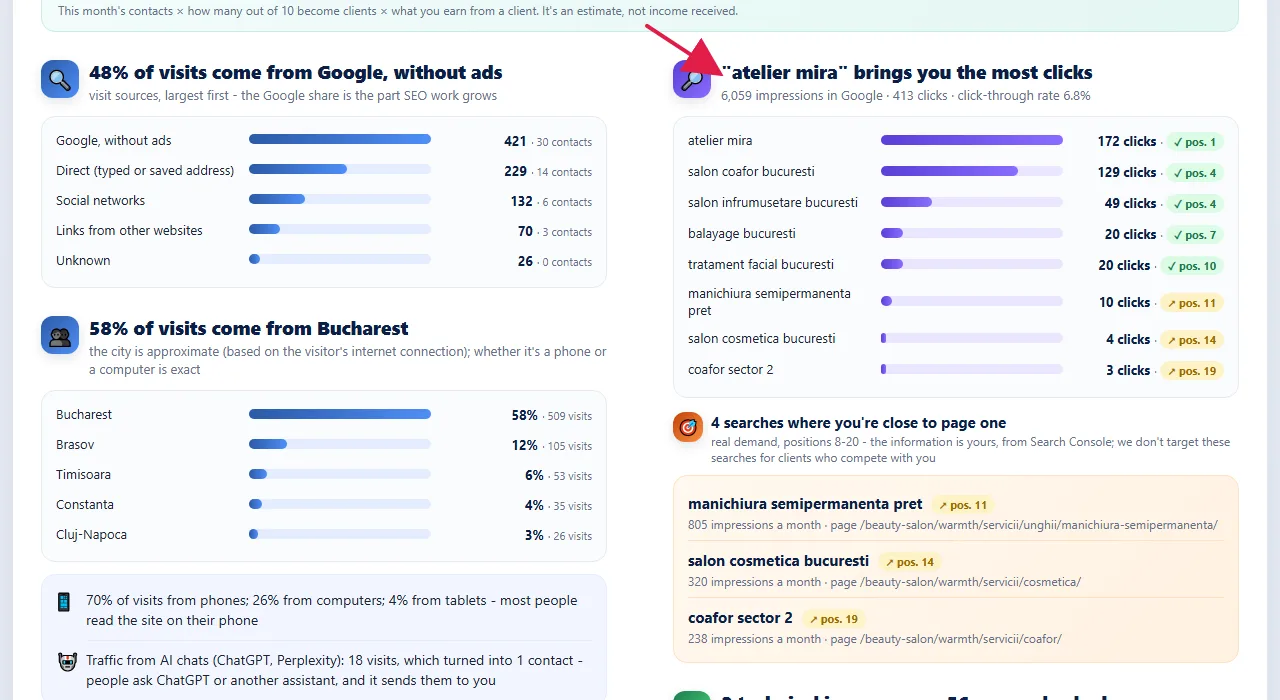
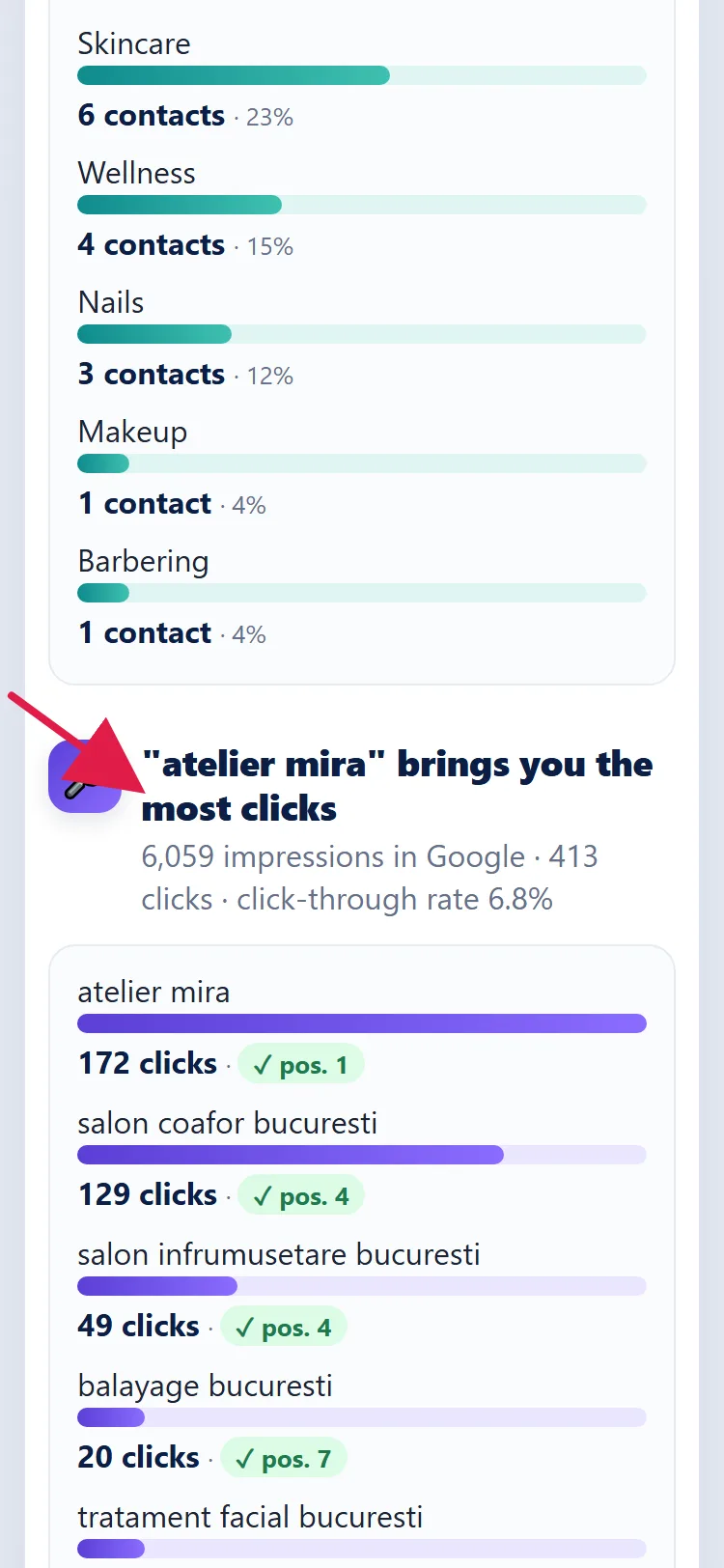
In Google Search Console you can see for free which searches your website appears for, how many times it appeared and how many people clicked. That's where you find out whether what you change on your website has an effect. Check once a month, not once a day: things move slowly.