A calendar with your real hours
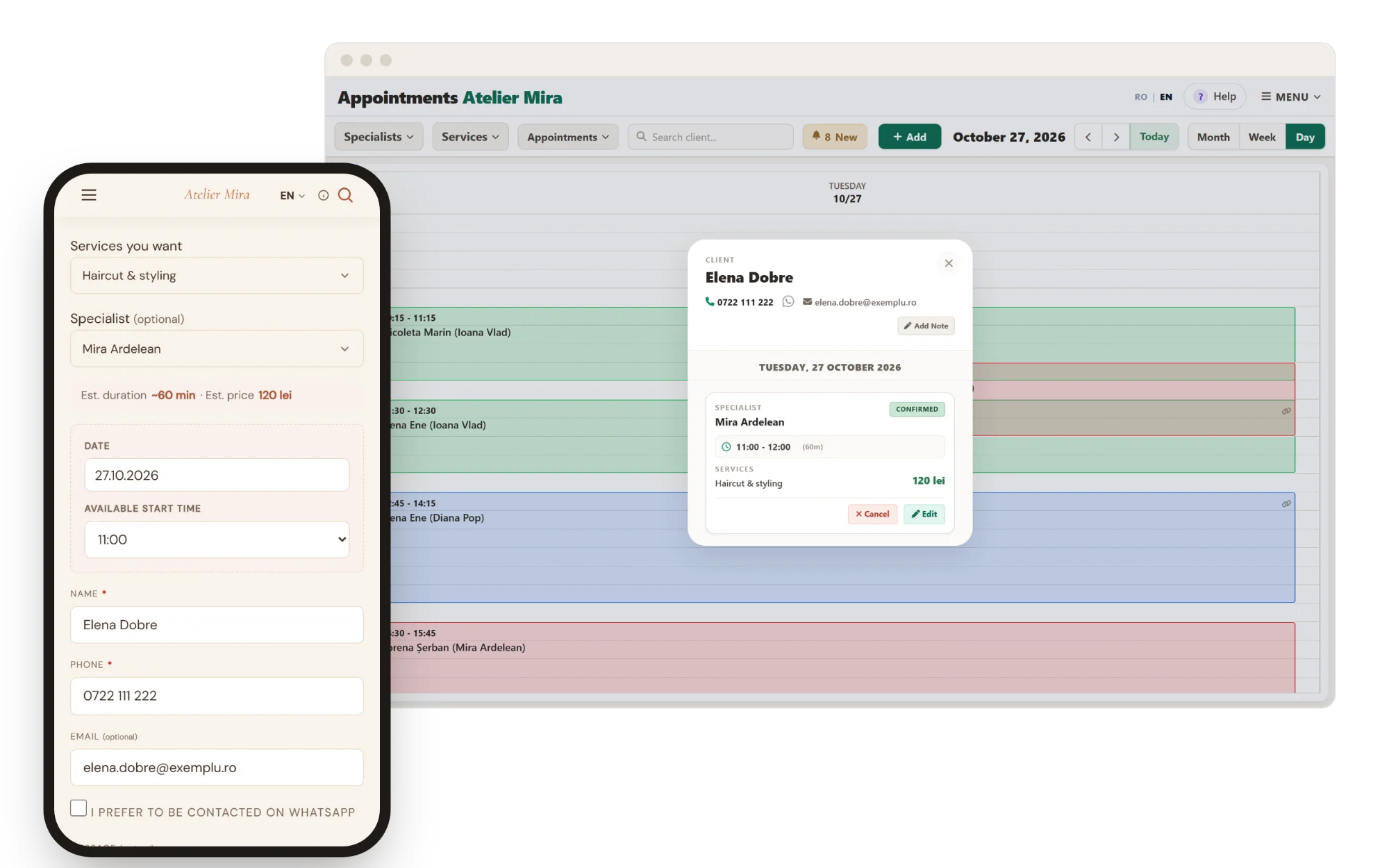
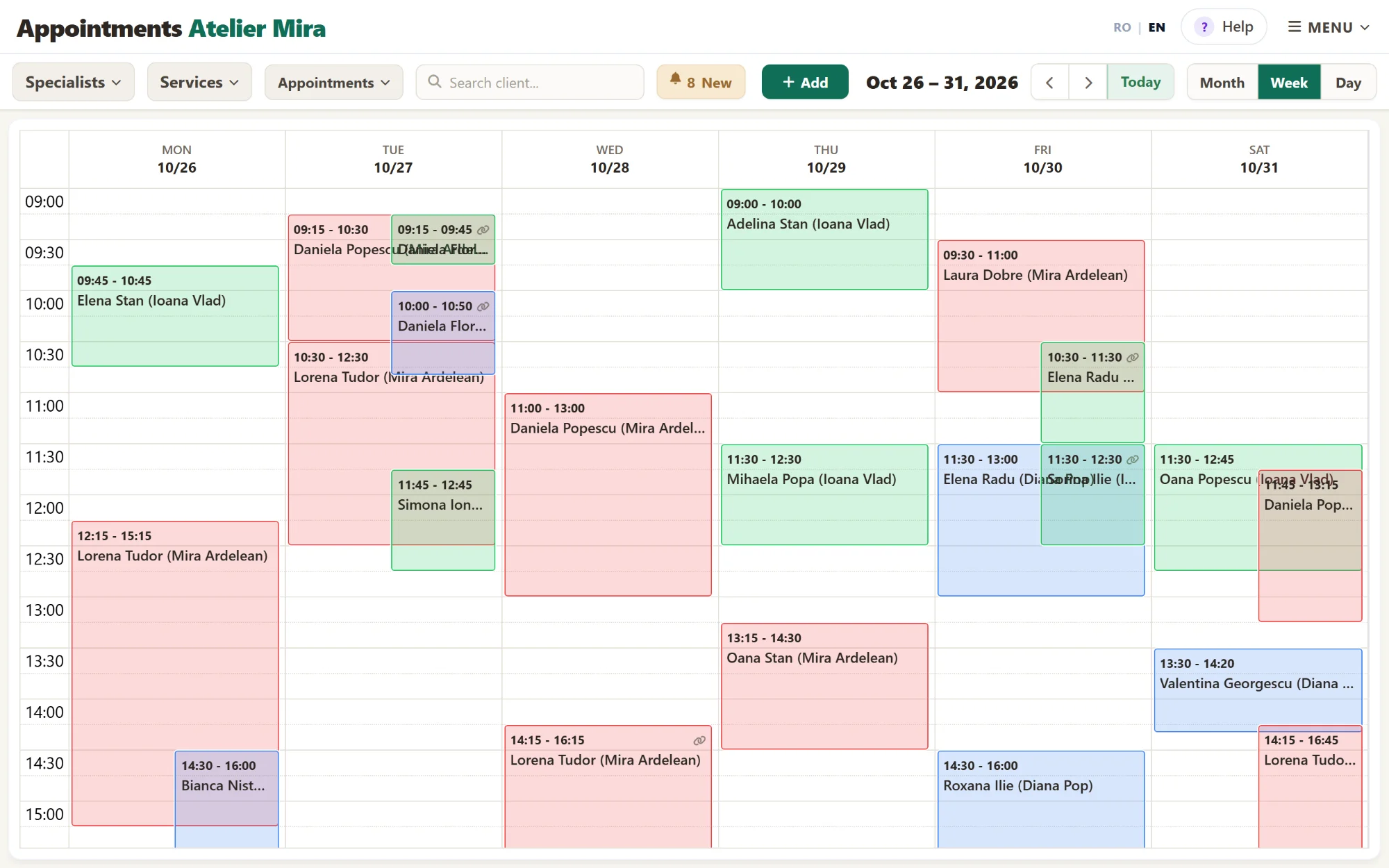
Your schedule, breaks, days off, vacations. Clients only see what's available.
Some clients call exactly when you're busy. Others would call in the evening, after you've closed - and the next day they don't call back. On your website they pick a free day and time themselves, get the confirmation via SMS, and you see everything in one place. Small: €19/month or €190/year - 1 specialist, 50 SMS messages a month. Paying yearly, you pay for 10 months out of 12.
€19/month or €190/year + VATSmall: 1 specialist, 50 WebID SMS messages a month
Total: €190 for one year + VAT
+ Maintenance, €190/year, only once, however many add-ons you have. The cart adds it on its own if you don't have it yet.
Paying yearly, you pay for 10 months out of 12. One billing period for all the subscriptions in the cart.
With a €15 + VAT deposit, we write all your copy. If you don't like it, you can ask for the deposit back at any time within 14 days of payment.
Make My Website| Tier | What you get | Monthly | Yearly |
|---|---|---|---|
| Small | 1 specialist, 50 SMS messages a month | €19/month | €190/year |
| Medium | up to 5 specialists, 150 SMS messages a month | €39/month | €390/year |
| Large | 6–15 specialists, 300 SMS messages a month | €69/month | €690/year |
In every tier: the calendar, client records, reports, confirmations and reminders, messages to clients who haven't been back, and SMS from your phone.
Your schedule, breaks, days off, vacations. Clients only see what's available.
By the hour (salon, clinic, repair shop) · by the night (guesthouse, cabin) · by seats in a class · by tables · by time slots or events. You pick the kind once, at setup.
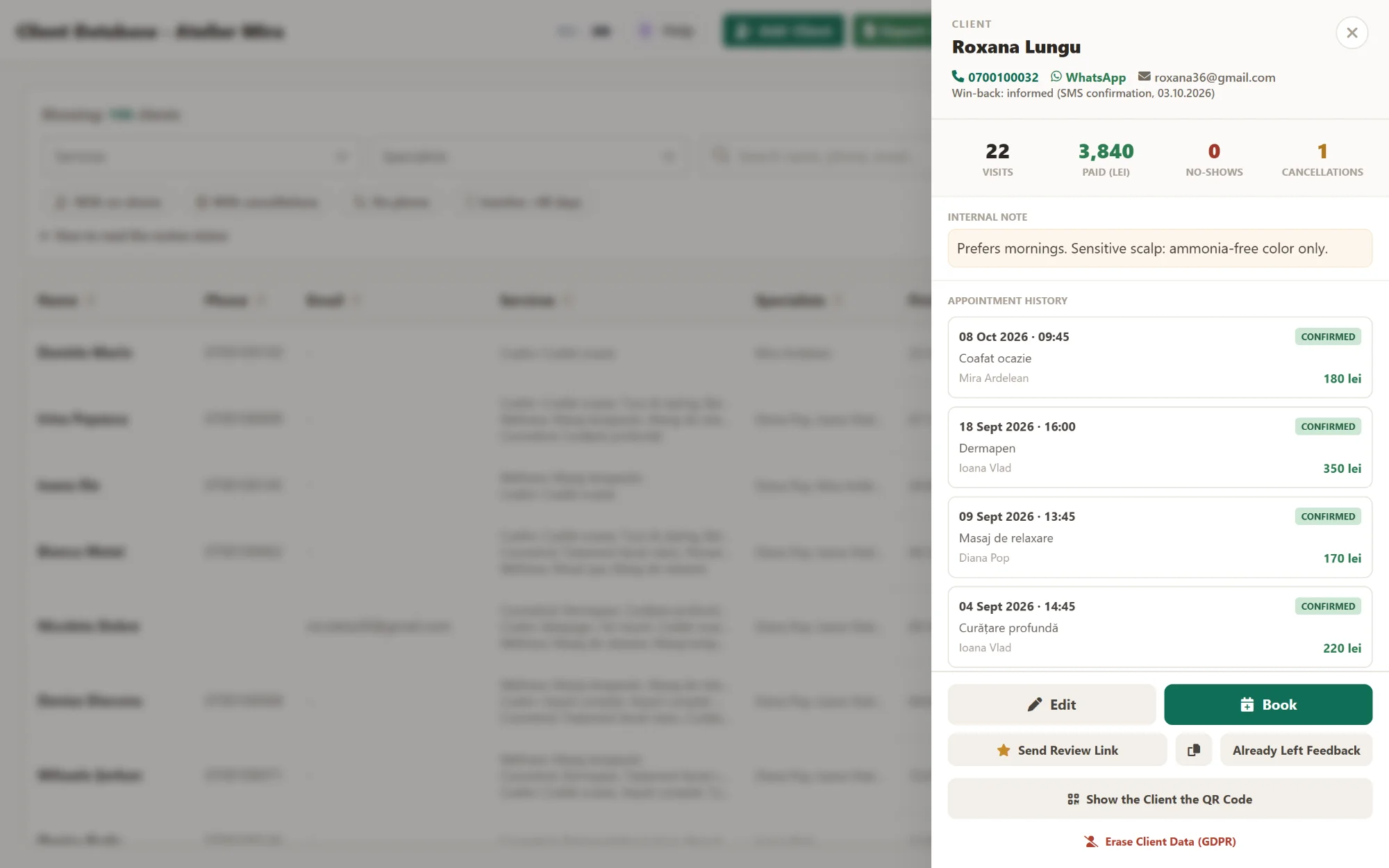
Who came, when, and for what. Each client's history, at hand - and it's yours: export it whenever you like.
How many bookings you had, what's asked for most, what the coming week looks like.
A screen for whoever sits at the front desk: see the day, look someone up, add an appointment in two taps.
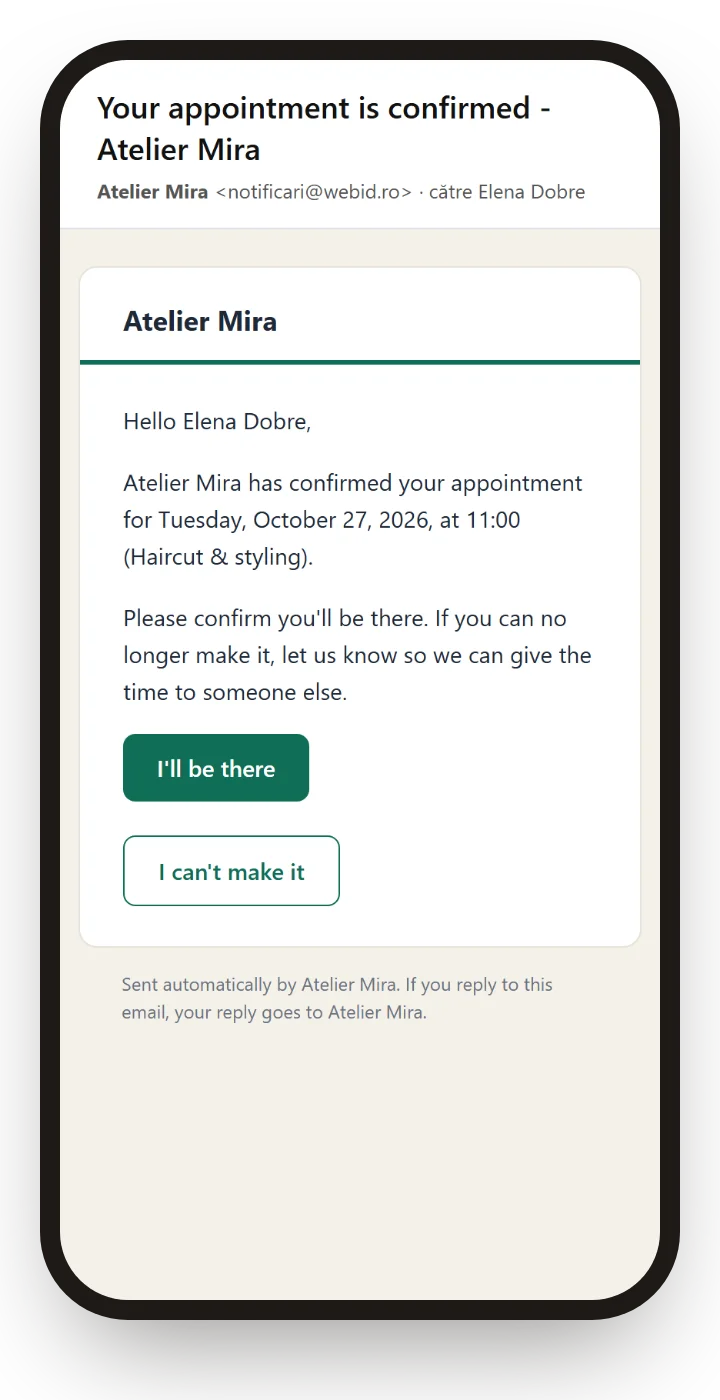
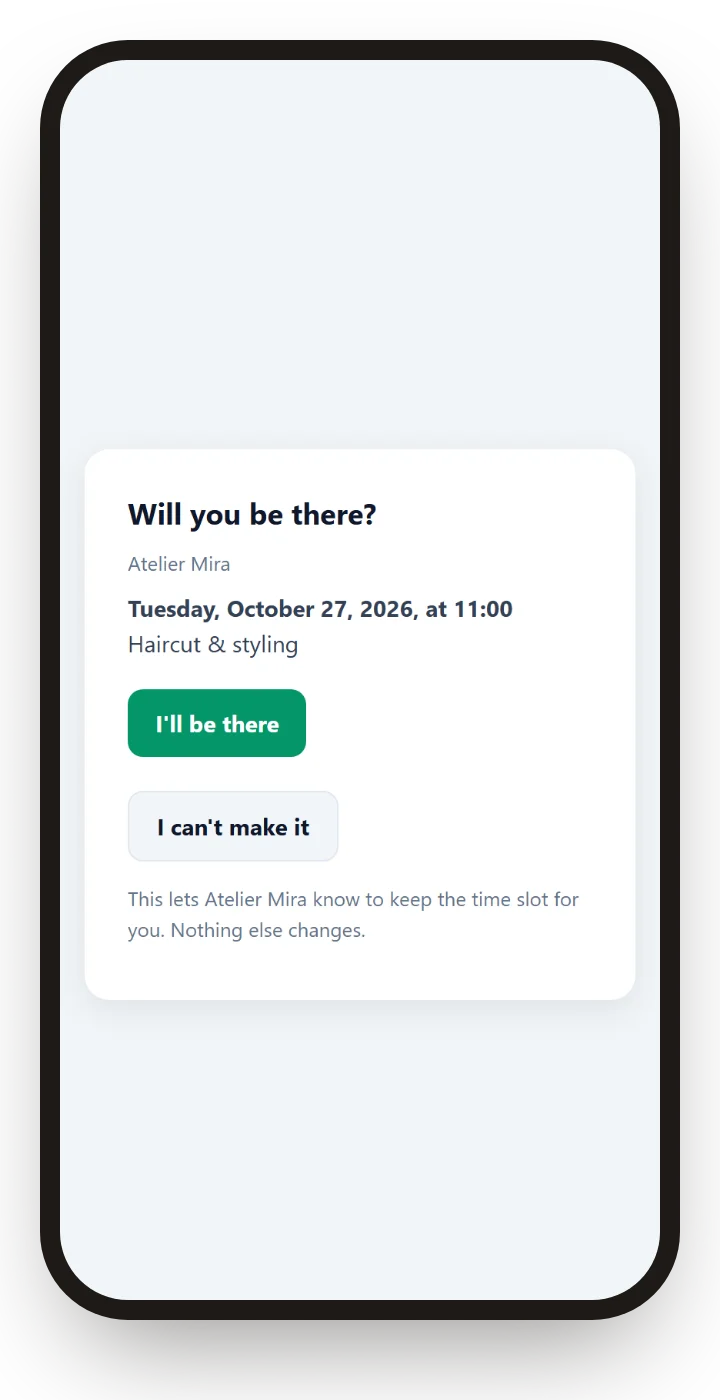
Someone books, forgets, and doesn't show up. That hour was paid for - not by them, by you. A message the day before solves most of the problem: whoever can't make it lets you know in time, and you still have a day to fill the slot with someone else.
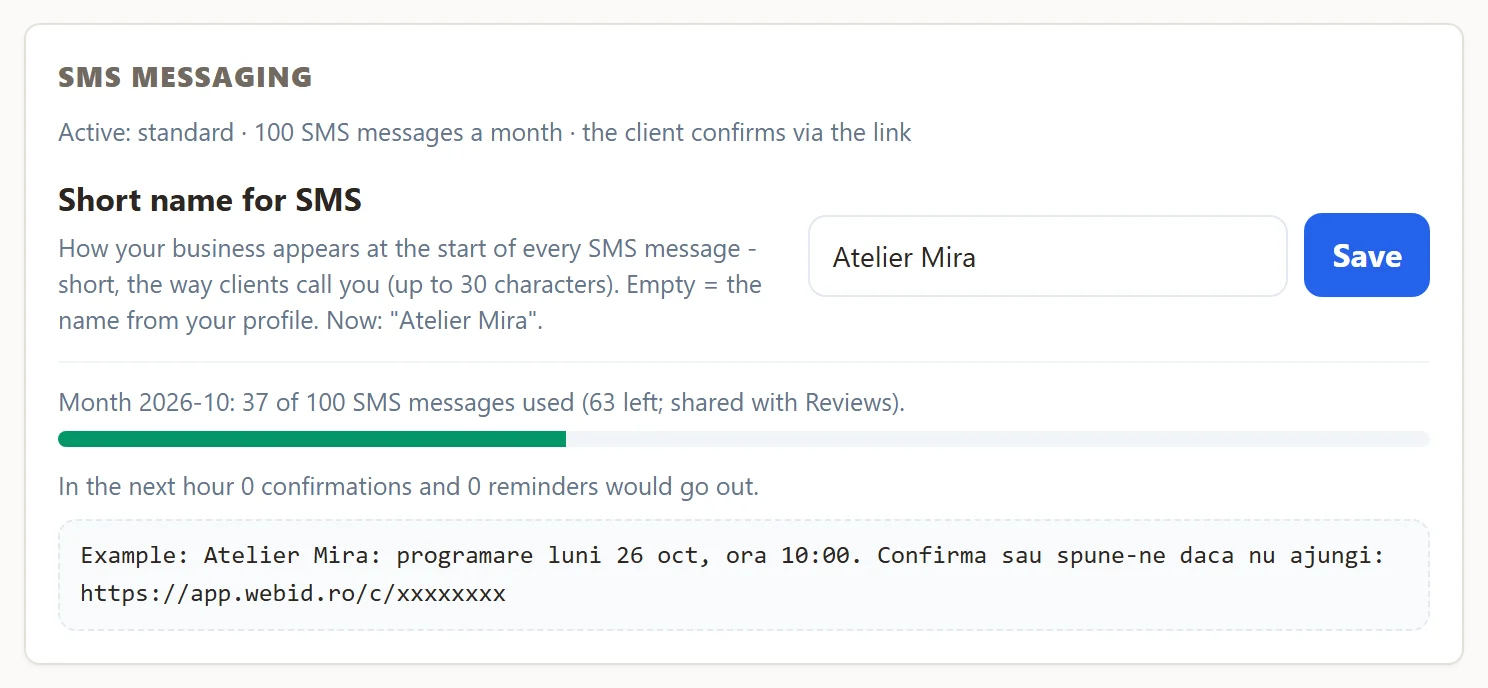
The included SMS messages and the extra packs are valid in the month you receive them and the following two months.
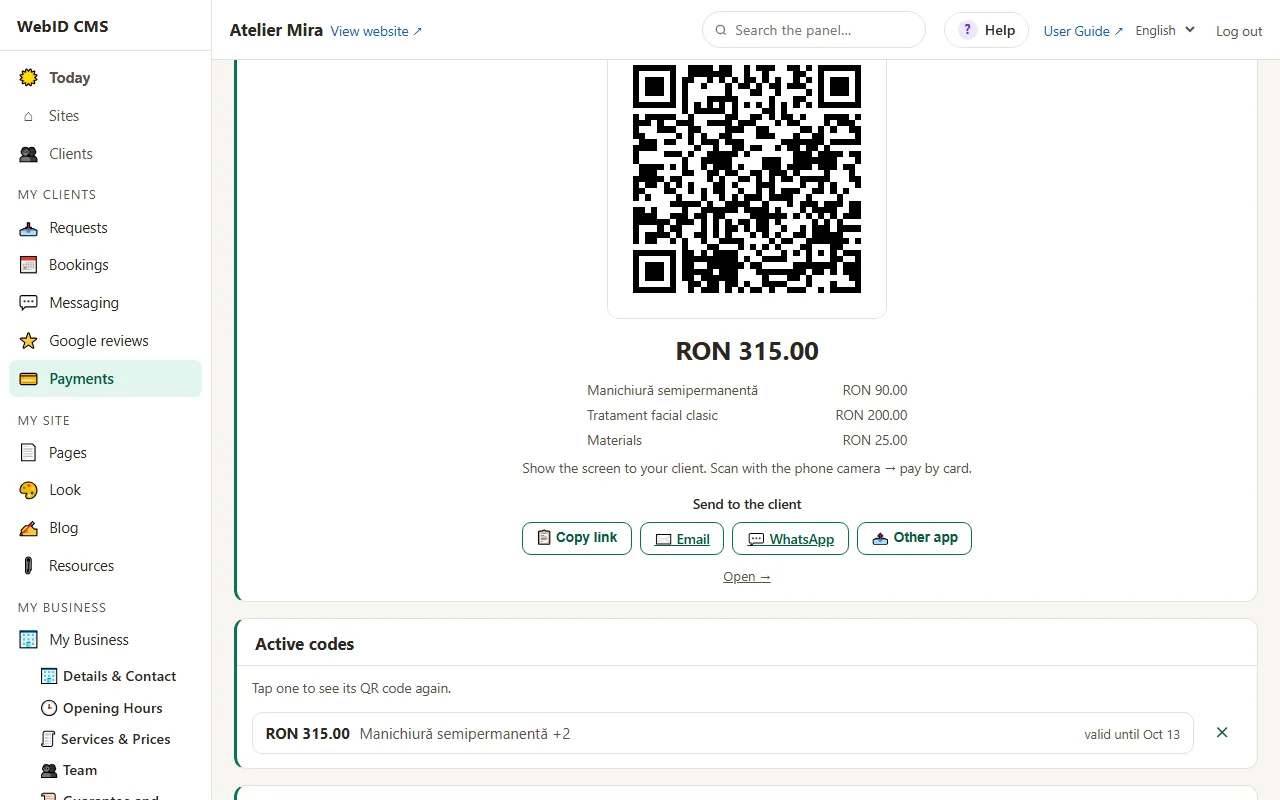
The QR code for on-the-spot payment and the payment link come free with your website's Maintenance, with the money going straight into your Stripe account. To ask for a deposit on a booking, you send a payment link, as a separate step. The details are on Pricing.
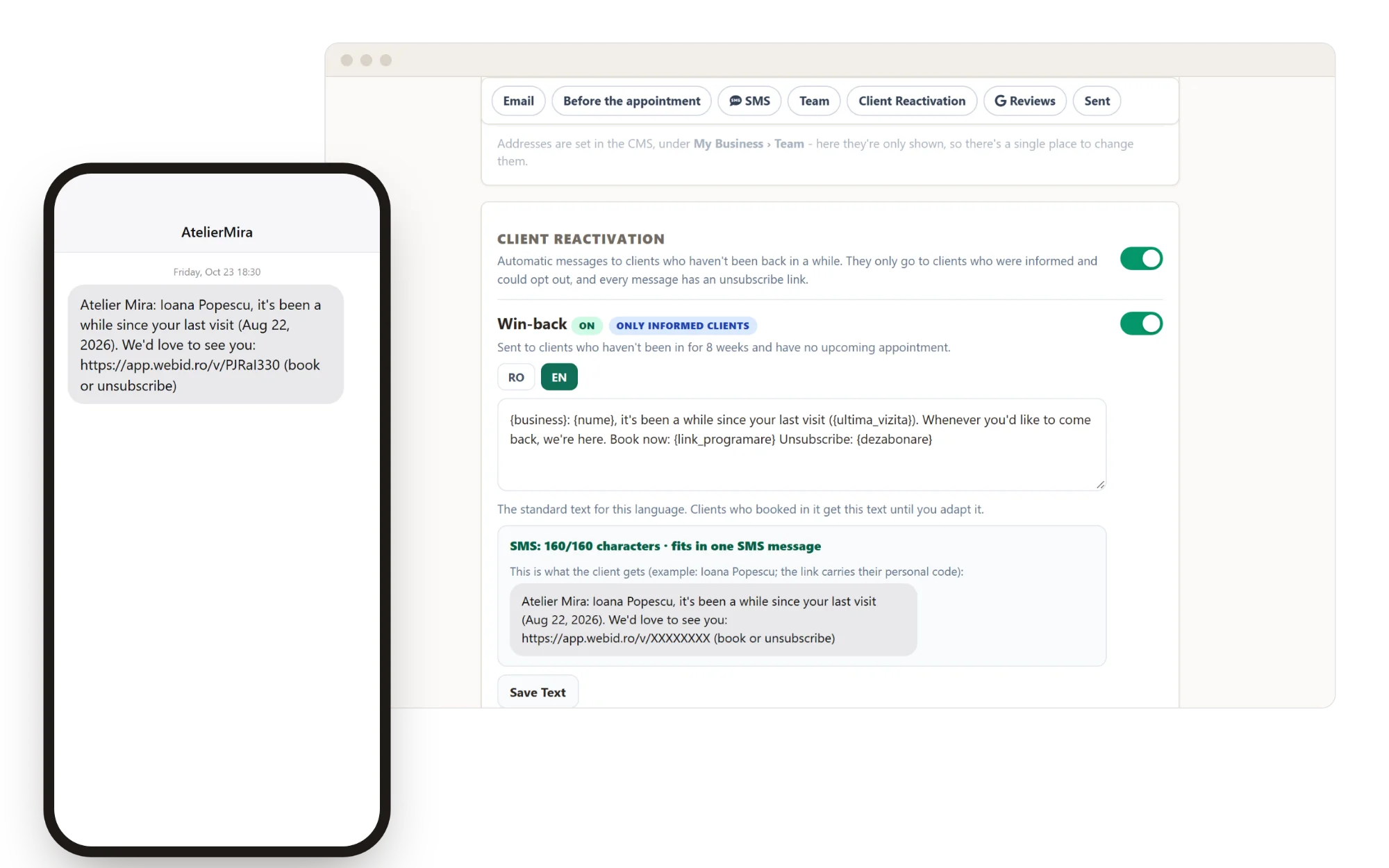
Clients who haven't been in touch for a while (by default, 8 weeks since their last visit) get a message inviting them back, which you write once. It only goes to people without an upcoming booking, by email or via SMS.
At the top, the booking as the client makes it on their phone and as it shows up in your admin panel, on the same day and at the same time. Below: the week, with each specialist's bookings; a client's record; the confirmation email; the SMS message with the link and the page where the client confirms or says they can't make it; how many SMS messages you've used; what you see in the admin panel when the client can't make it; and the message that brings back the people who haven't come in a while.
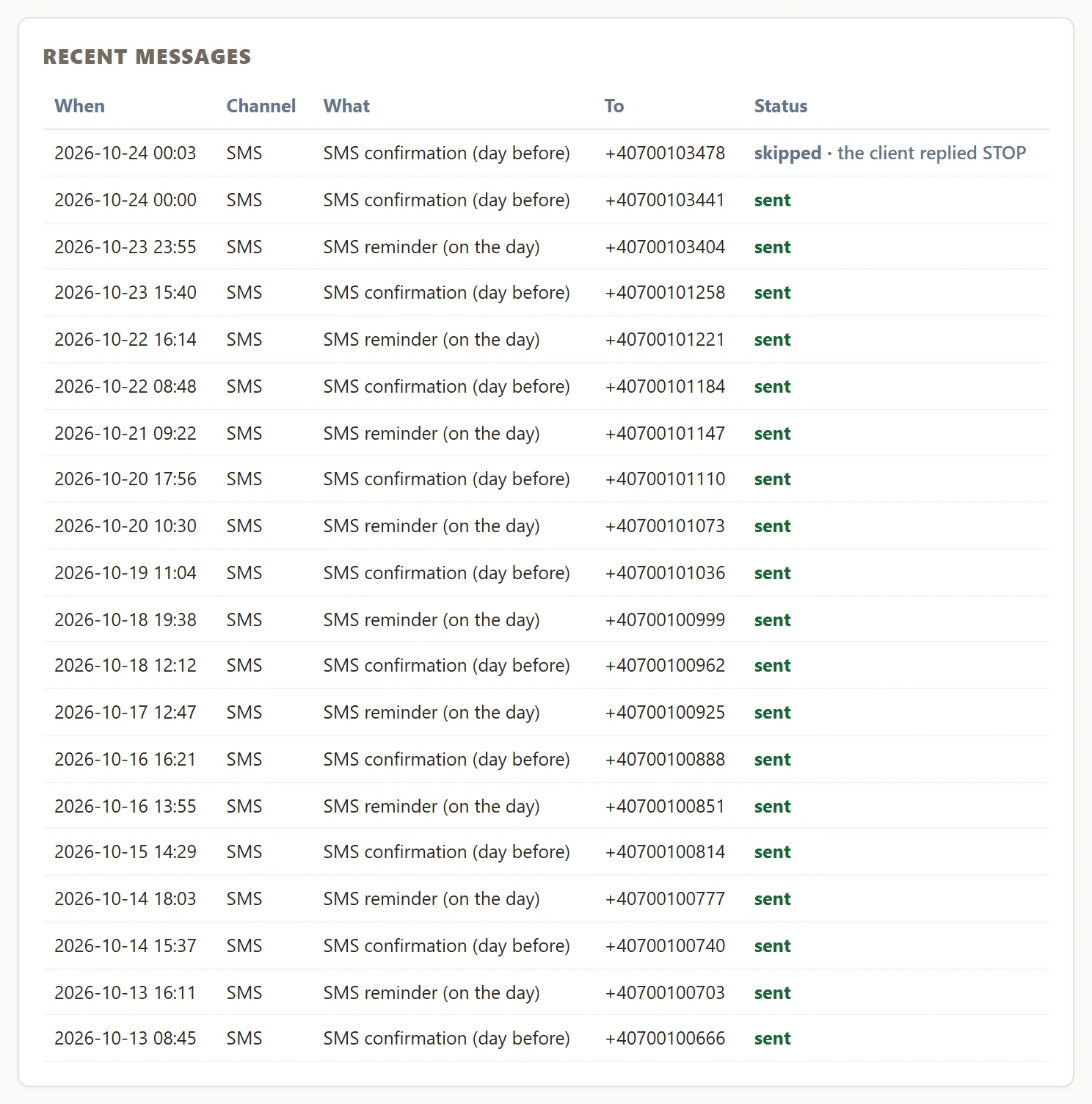
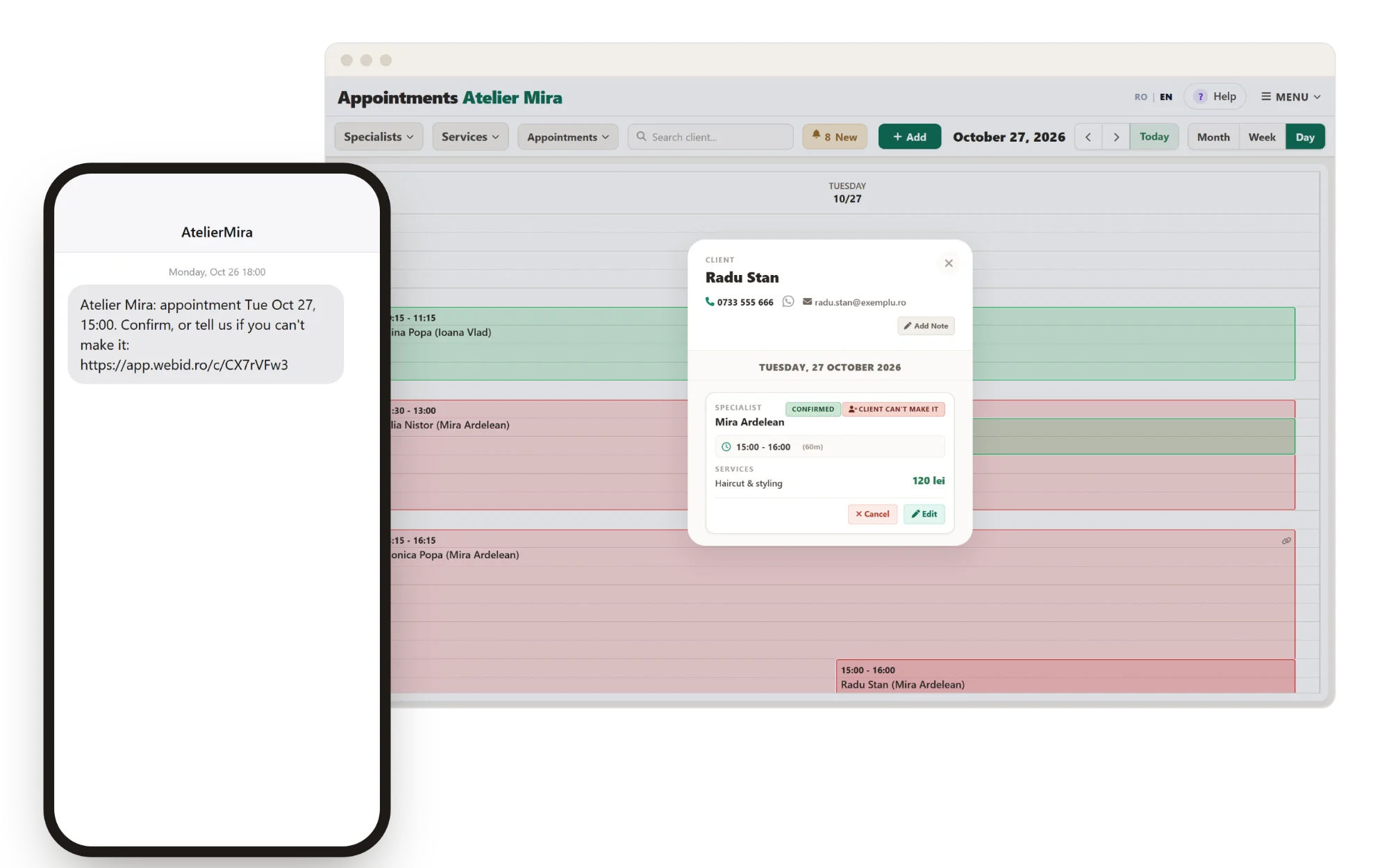
The big platforms really do bring new clients - that's why they take a commission, and for anyone who wants exactly that, it's a fair deal. Your website solves a different part: the people looking for you and the ones who come back.
| What | Monthly | Yearly |
|---|---|---|
| Bookings Small - 1 specialist, 50 SMS messages a month | €19/month | €190/year |
| Bookings Medium - up to 5 specialists, 150 SMS messages a month | €39/month | €390/year |
| Bookings Large - 6–15 specialists, 300 SMS messages a month | €69/month | €690/year |
| Extra SMS messages | 100 SMS messages = €10 · 500 SMS messages = €45 |
No commission per booking and no setup fee. Monthly or yearly; paying yearly, you pay for 10 months out of 12.
It goes together with maintenance: €19/month or €190/year, only once, however many add-ons you have. As long as you have an add-on with a subscription, maintenance has to be active for the same period: if you pay for the add-on for a year, it's for a year too. The cart adds it on its own, and if you already pay for it, it adds only what's missing.
Prices exclude VAT (21%).
Bookings
€19/month or €190/year + VATSmall: 1 specialist, 50 WebID SMS messages a month
See the Price and Add to Cart