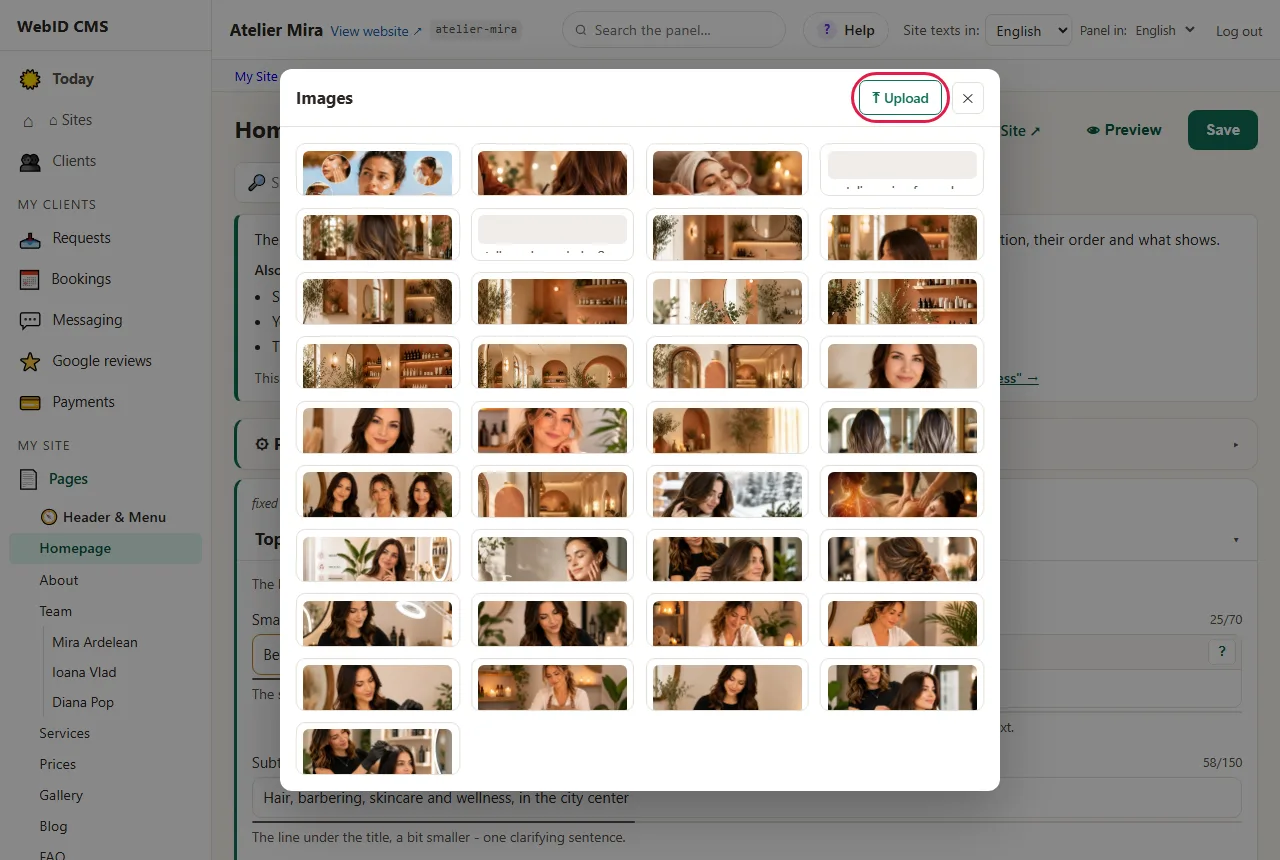
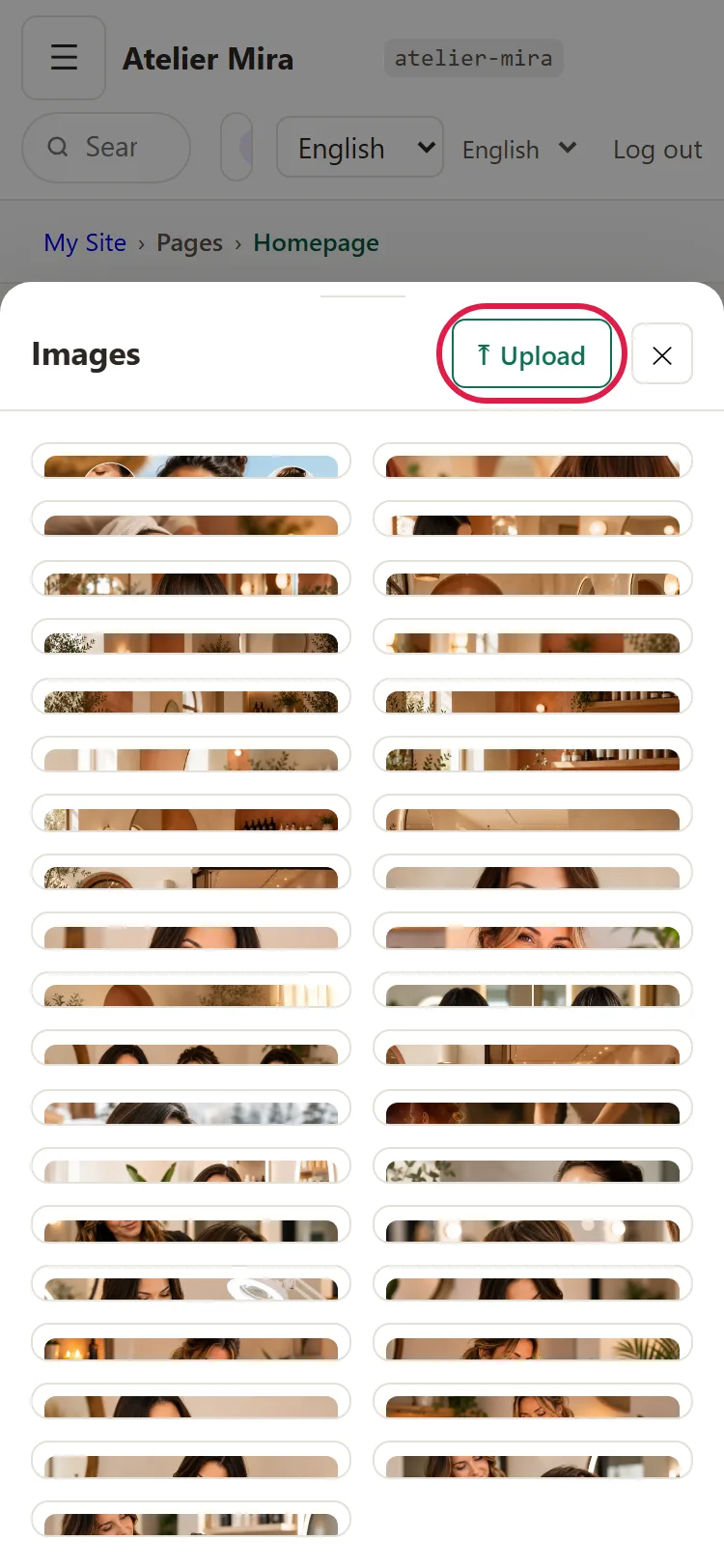
Website photos: your own, from your phone, or stock images
Your own photos, taken with your phone, are almost always the best choice for a small business website: they show the real place, your work and the people the client will deal with. Stock images (from a stock library or AI-generated) look nice, but they don't show your business and say nothing about you. And if you don't have good photos right now, that's no reason to put off the website: you start with what you have and add them as you go.
Why your own photos matter
- They show you're real. The workshop, the salon, the work van, the team: people see where they're going or who they're letting into their home.
- They show what you can do. A renovated bathroom, a haircut, a cake: real work is more convincing than a description.
- They set you apart from the others. The same stock photo can appear on the websites of three businesses in the same city.
How to take good photos with your phone
- Natural light. Shoot during the day, near a window or outside, without flash.
- A clean background. Clear away what shouldn't be seen: boxes, cables, clothes.
- Hold the phone straight, at eye level, and wipe the fingerprints off the lens.
- Landscape photos for the top of the page and for the gallery.
- Before and after photos of work that transforms something (a bathroom, a roof, a car), taken from the same angle.
- Several photos of the same scene. Then pick the best one.
- A short description, where you're asked for one: what's shown and where ("renovated bathroom, Pitești"). The description helps Google understand what the photo shows, and people who use a screen reader hear it.
- Resized photos, not at the original size from your phone: a photo of a few megabytes makes the page slow, especially on mobile. Some websites resize them automatically on upload: ask whether yours does.
You don't need a photographer to get started. If you want professional photos later, you add them then.
When stock images work
Stock images (general photos or illustrations, from a stock library or AI-generated, that don't show your business) are useful:
- on pages you don't have your own photos for yet;
- for general topics (an office, a tool, a detail), where it doesn't matter that they're not yours;
- until you take your own photos.
Never present them as your own work. A bathroom from a stock photo or an AI-generated one, placed under "our work", is a false promise, and the client who recognizes it starts doubting the rest too.
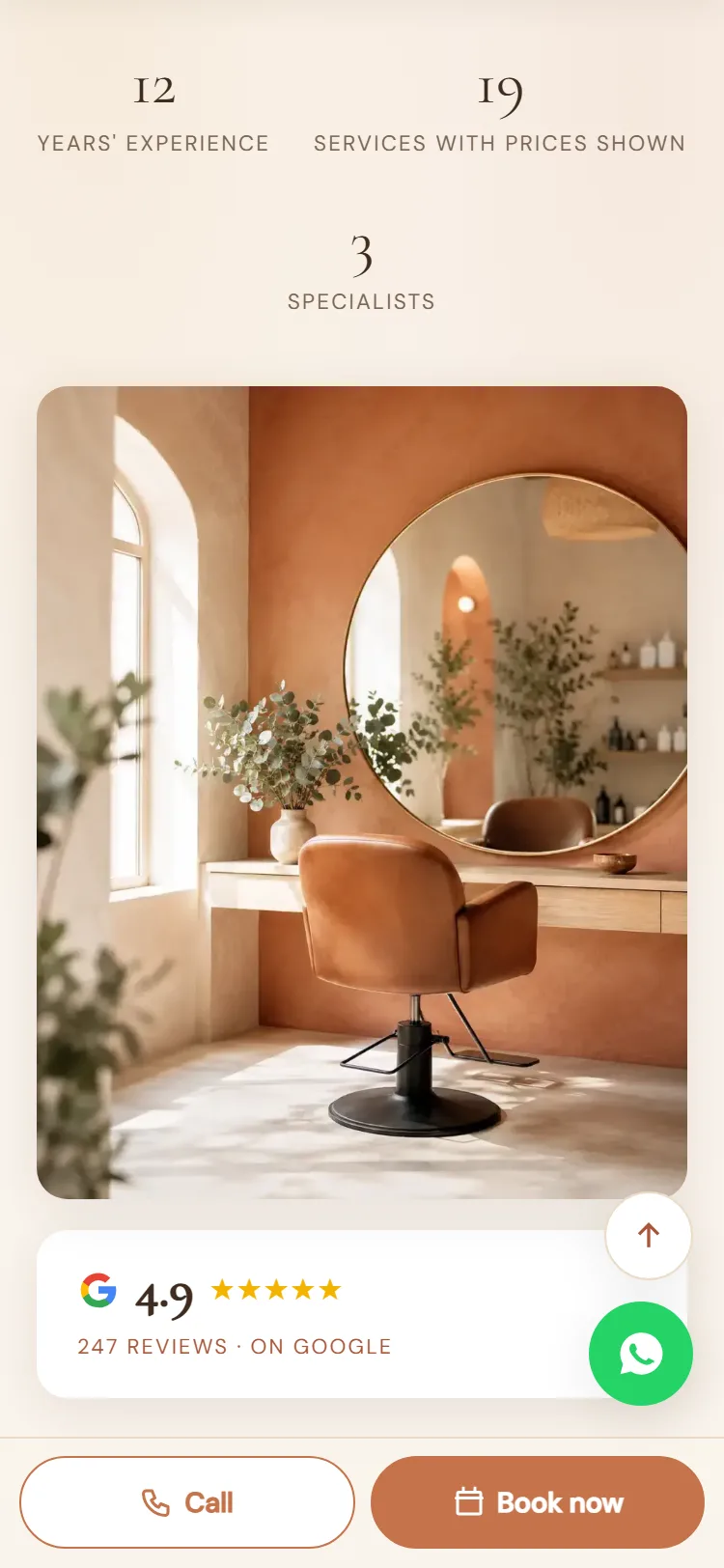
Photos you're not allowed to use
- Photos taken from Google or other websites, without permission. Just because they're on the internet doesn't mean they're free to use: they have an author, and using them without the right to do so can cost you. With images from a stock library, check the license: whether it allows use on a business website.
- People who haven't given their consent. Clients or employees who can be clearly seen in the photo need to agree to appear on the website, ideally in writing. An employee can say no without any consequences.
- Visible personal data: license plates, addresses, documents left on a desk.
How many photos you need
To start, a few are enough: one for the top of the page, one or two for each main service, one of you or the team and a few of your work for the gallery. Better ten good photos than fifty random ones.