What to send us so we can put your website on your domain
The domain is your website's address, for example your-business.ro. After payment, we connect it to the website ourselves: you send us only what we're missing, and we find out and handle the domain's technical settings. It takes you a few minutes, just long enough to find the details.
What you need to have done first
- You've paid for the website.
- You've chosen your admin panel password, from the link you got by email after payment. Without it we can't install the website. You don't send it to anyone, not even to us.
Find out what to send us, depending on your situation
- You don't have a domain yet: you write us the name you want. We register it, in your name. If it's a .ro or .eu, it's free, renewals included, as long as you pay us for hosting with maintenance yearly. If you pay monthly or for another extension (.com, for example), you pay for the registration and renewals yourself. If hosting with us stops, the domain stays yours, and the renewals pass to you. The details are on How it works.
- The website is on your own hosting: you give us FTP access (the server address, the username and the password), in the form in the "Payment received" email. We check it on the spot and delete it after installation. We handle the installation and the domain settings.
- You already have a domain, and the website is hosted with us: you give us access to your account at the domain company, in the same form, under Already have a domain?. Do you already have email addresses or another website on it? Tell us before we change the settings. We do the rest.
If you're in two situations (for example, you don't have a domain, and the website is on your own hosting), you send us what both ask for.
You don't need to know anything about the domain's technical settings: we don't ask you for values to copy or to change anything yourself.
How to send us the details
- If the company allows it, first make us a separate account, just for us (an FTP user or an account at the domain company), instead of giving us your main password. That way you can close it anytime, without changing your password.
- Hosting access you give in the form in the "Payment received" email: you choose the protocol (FTP, FTPS or SFTP), enter the server address, the username and the password, then press the button. We connect on the spot, so you find out right away whether the details work; if they don't, the form tells you what to check. Don't have hosting? You can choose ours from the same place. In the same form, under Already have a domain?, you give us access to your domain account: the domain, the company it's with, the username and the password. We can't check this one on the spot: if it doesn't work, we'll write to you. Don't send us your hosting or domain access by email.
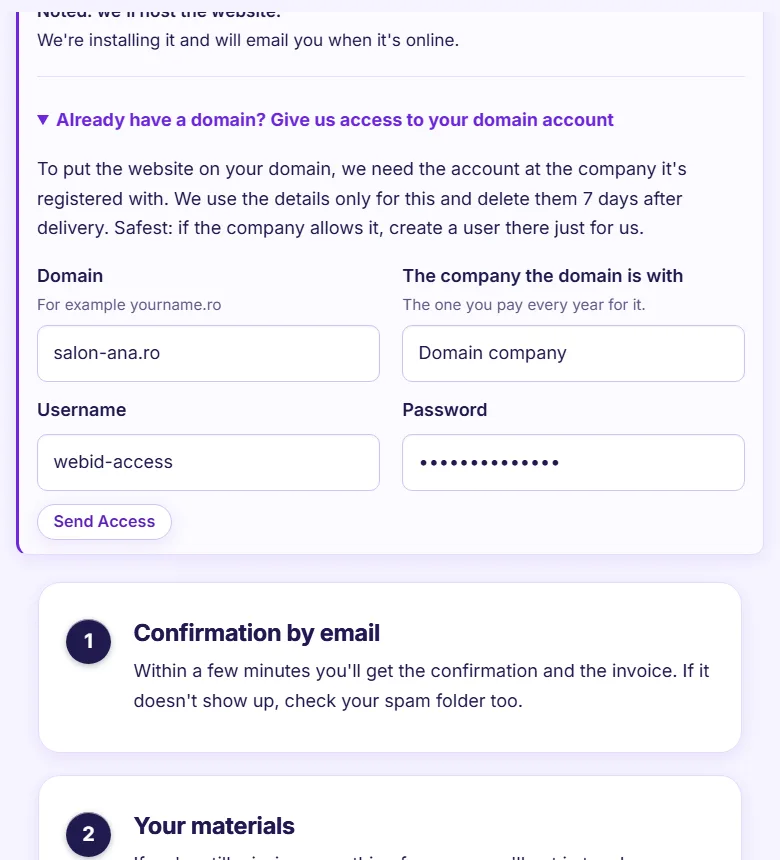
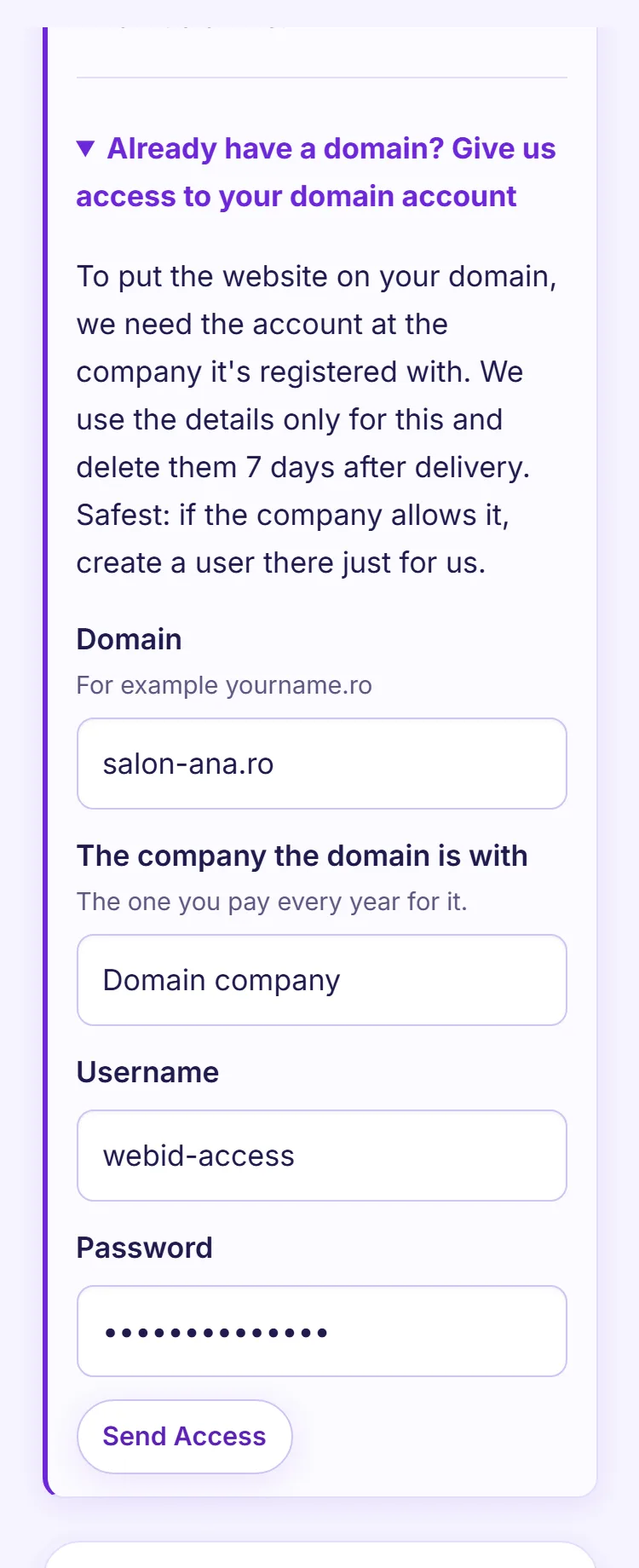
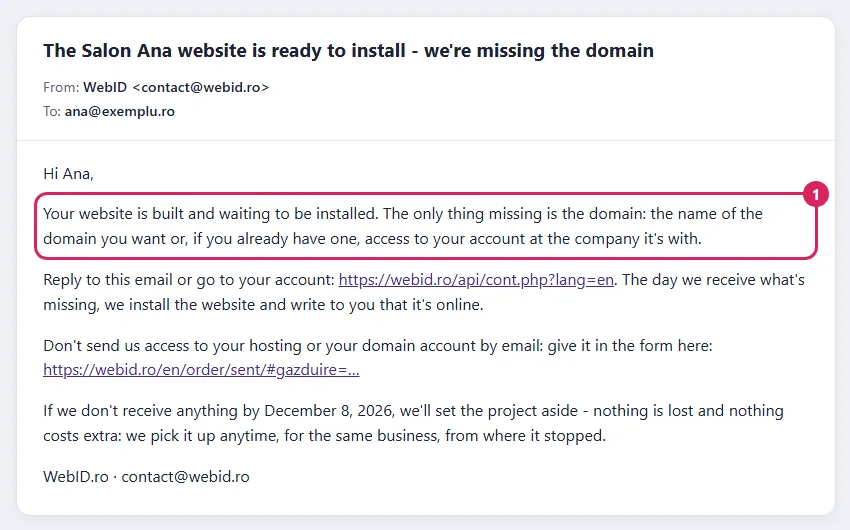
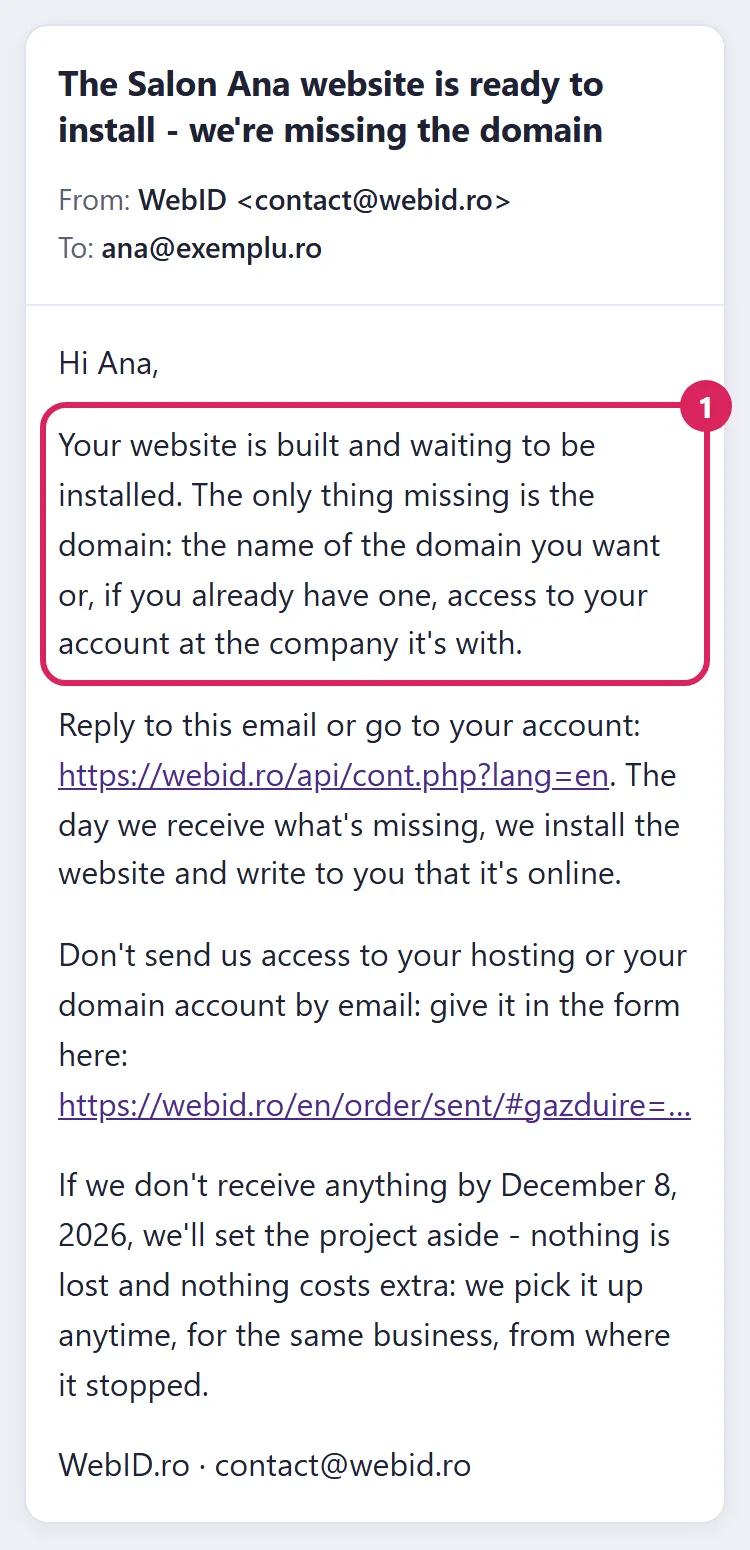
- The domain: if we still need something, you get the email "The ... website is ready to install - we're missing ...". It says exactly what's missing: the domain name you want or access to the account at the domain company. You write the name in your reply. You give access to your account at the domain company in the form in the "Payment received" email, under Already have a domain?; don't send the password by email.
- If you don't reply, we remind you by email. If we still don't get the details, we put the project aside and pick it up whenever you ask, from where it stopped, at no new cost. We keep your materials for 12 months; if you come back later, you give them to us again.
What happens after you send us the details
- We install the website on your domain and handle the domain settings.
- We check on the domain that the website opens, that it works over a secure connection (https) and that the admin panel asks for the password.
- You get the email "<Your business> is online", with the link to the website and the link to the admin panel, where you change your website.
- If the domain is new or we changed its settings, it can take up to 48 hours for the website to open everywhere. This part doesn't depend on us.
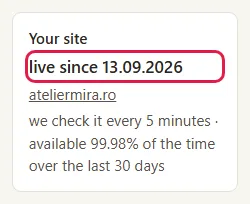
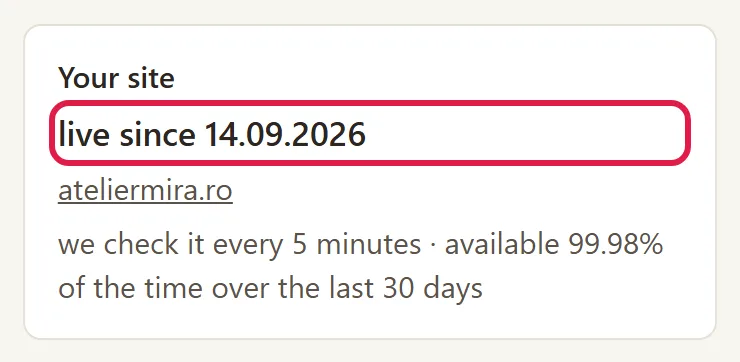
- In the admin panel, in "Today", the Your site card shows live since and the date.
Common problems
- "I got the email that it's online, but the website doesn't open on the domain." The domain is new or its settings changed recently and are still spreading. Wait up to 48 hours; if it still doesn't work then, reply to the "... is online" email.
- "I got an email saying you're missing the domain." We didn't get the domain name or access to it. Reply to the email with the name you want, or give us access in the form in the "Payment received" email, under Already have a domain?.
- "I got an email saying you're missing hosting access." The website is on your own hosting and, without access, we have no way to install it. Give us the access in the form in the email, not in a reply.
- "The form says the server rejected the username or password." Check them in your hosting company's panel and try again. If you don't know what they are, ask your hosting company for the FTP details.
- "I got an email saying the domain seems expired." The domain wasn't renewed at the company you got it from. Pay the renewal there; if you don't know which company it's with, reply to the email.
- "The browser shows a security warning." Don't bypass it and don't type passwords on that page. Usually, the website's security certificate has expired. If the website is hosted with us, write to us at contact@webid.ro with the message the browser shows. If it's on your own hosting, ask your hosting company to renew the certificate; with maintenance, we let you know ahead of time, by email.
- "I want to move the website to another domain." It's not done from the admin panel. Write to us at contact@webid.ro: when it's moved, the old addresses send visitors to the new ones by themselves, as long as the old domain is still paid for.
- "Something else isn't working." Write to us at contact@webid.ro with what you see on the screen and we'll take a look.
What it doesn't do
- The admin panel doesn't have a domain screen: you don't change the website address yourself and you don't buy domains from the admin panel. For any change, you write to us.
- The domain is in your name from the start. We don't register it in our name and we never lock it.
- How long it takes for a new domain to open everywhere (at most 48 hours) doesn't depend on us.
- If the website is on your own hosting, your hosting company is responsible for the server and the security certificate, and the company you got the domain from is responsible for the domain. If you have maintenance, we tell you what we notice - see What maintenance does for you.
- Moving the website from your own hosting to us isn't done from the admin panel: you write to us and we do it.
What data it uses
For the domain, your registrant details (the company and the contact person) reach the registrar through our provider, Gazduire.net. If the website is on your own hosting, you give us access to it: the safest is a separate account or an FTP access made just for us, which you can close anytime, not the password of your main account. We use it only to install the website and connect the domain, we don't give it to anyone, and we delete it after installation. The same goes for access to your domain account: we keep it encrypted, use it only to connect the domain and delete it 7 days after delivery, and then we write to you to change your password. For this data we are the controller - see the Privacy notice and T&C §8 and §9.