How to find your invoices and change your card
The invoice is issued by FAMILIA TASE SRL (WebID is our brand), through Stripe, the company we receive payments through. You get one for each payment, for a subscription or for something paid once. You find them, download them and change your card from the same billing page, in a few minutes. You get there from your website's admin panel or, if you can't sign in to the admin panel, straight from webid.ro.
The invoice is issued to your business, with the CUI (Romanian tax ID) you gave when ordering, and shows the VAT and the BNR (National Bank of Romania) exchange rate on the day of payment.
How to open your invoices from the admin panel
The subscription and invoices section is only visible to the website's owner or to a colleague with the Administrator role.
- In the admin panel, open Account & Settings, then My Account.
- Under What you have now, you see which subscriptions you have, what they cost for their term and when they renew.
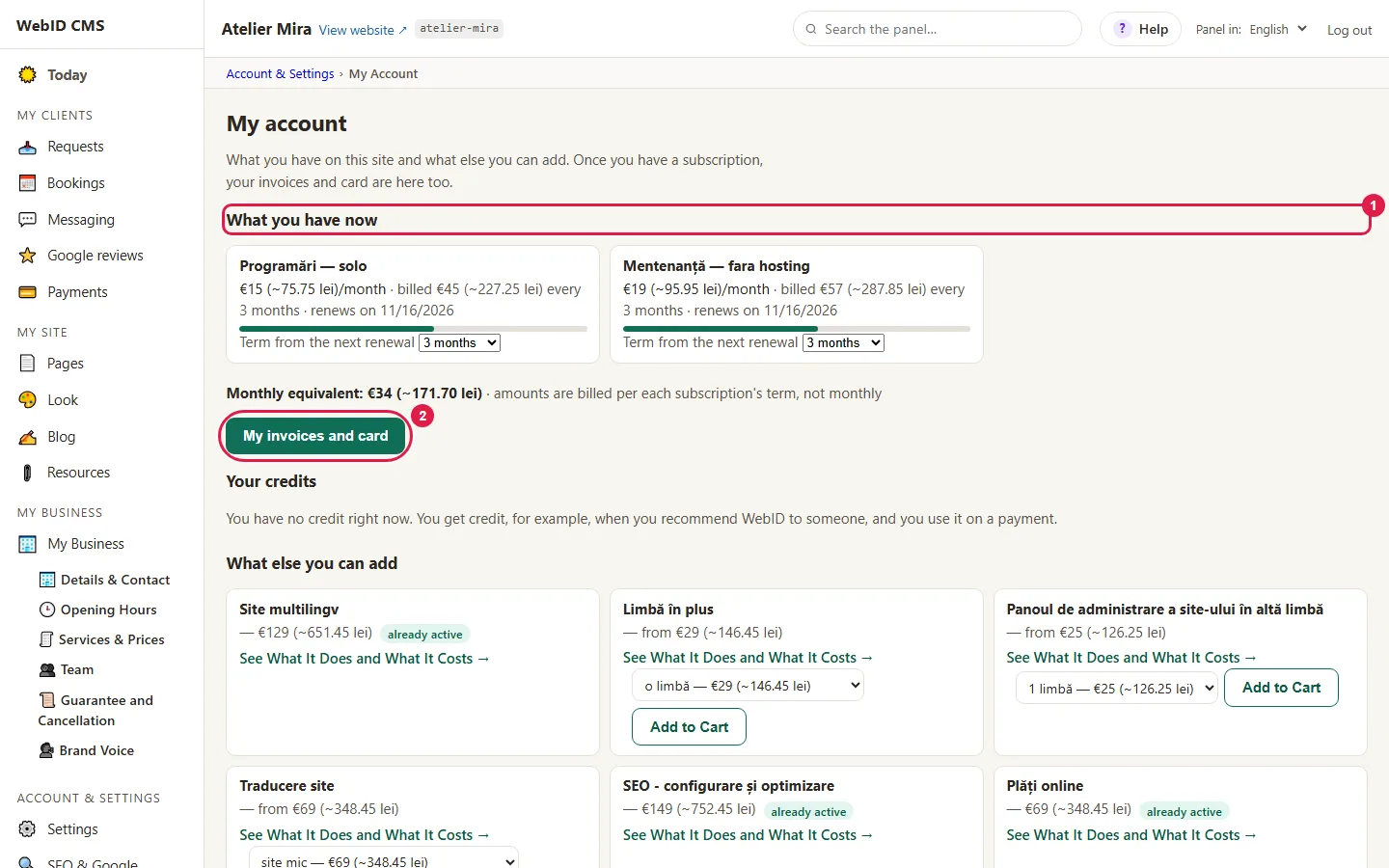
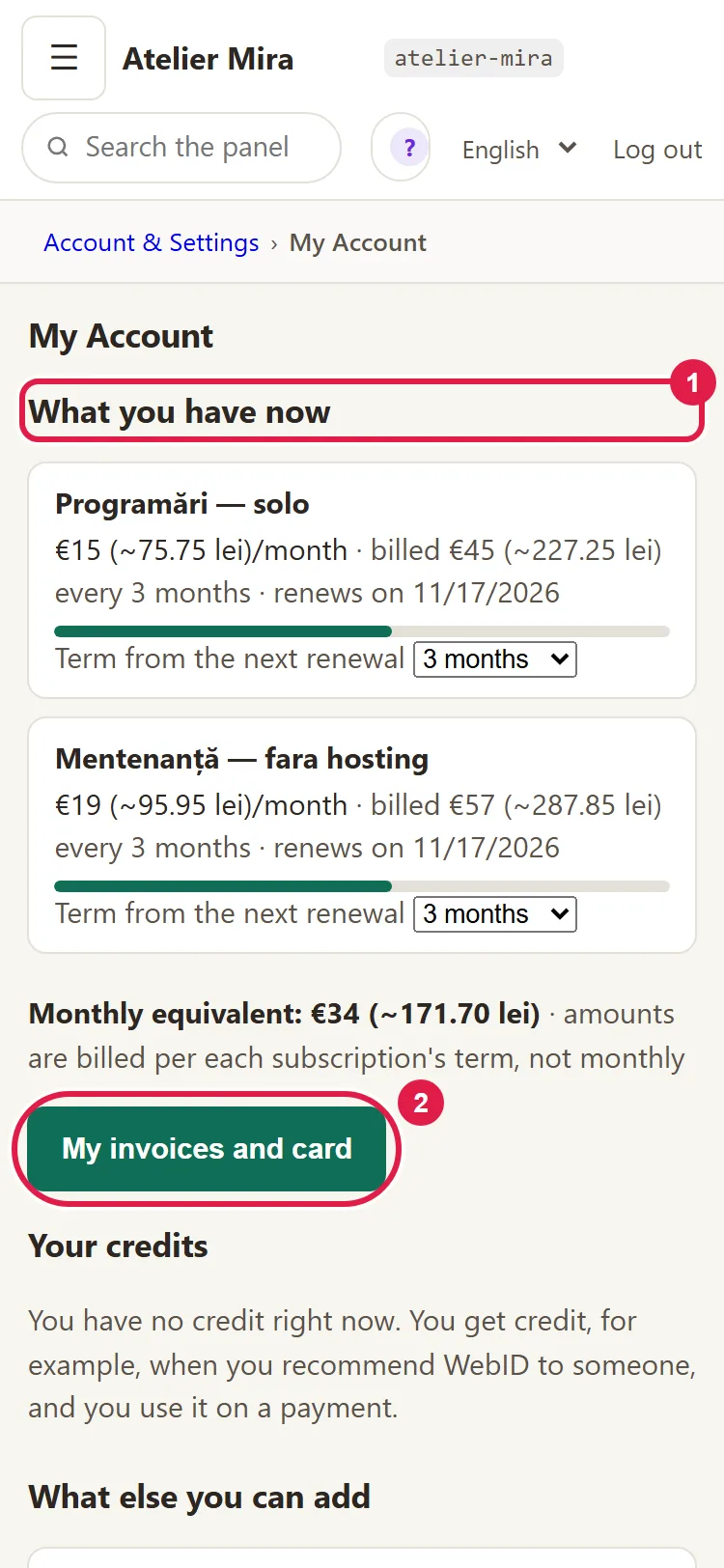
- Click My invoices and card. The button appears after the first payment.
- The Stripe billing page opens. What you can do there is below, under "What to do on the billing page".
How to get to your invoices from webid.ro, with no password
It works anytime, even if you can't sign in to the admin panel. You only need the email inbox you paid with: the access link is sent there.
- Open webid.ro/api/cont.php.
- Under Email address, enter the address you paid with and click Send me the link.
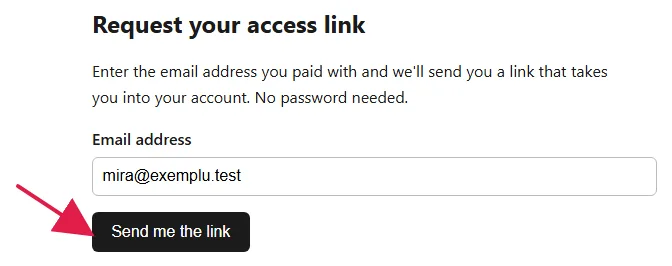
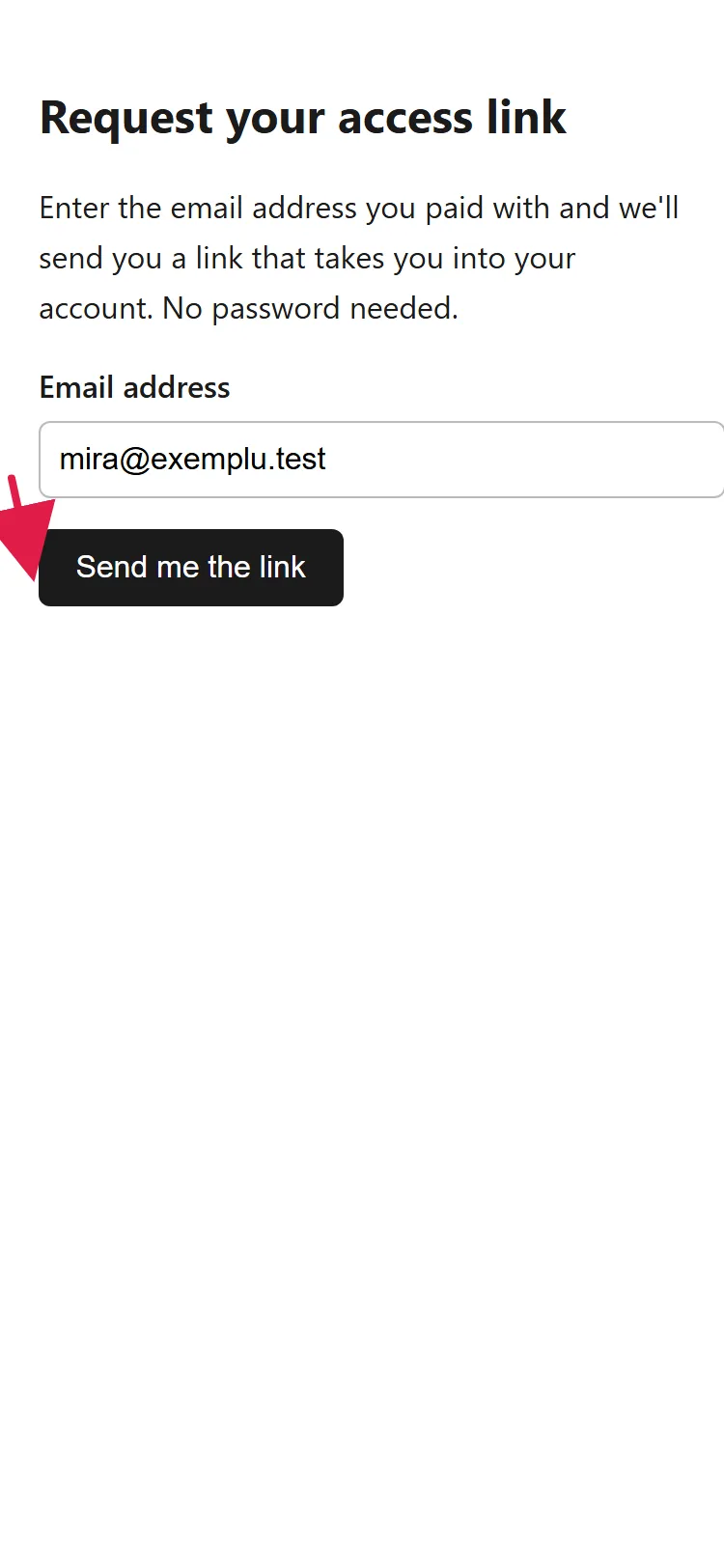
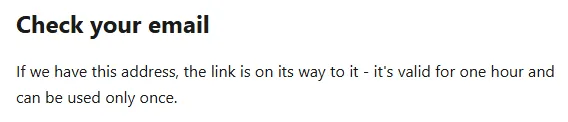
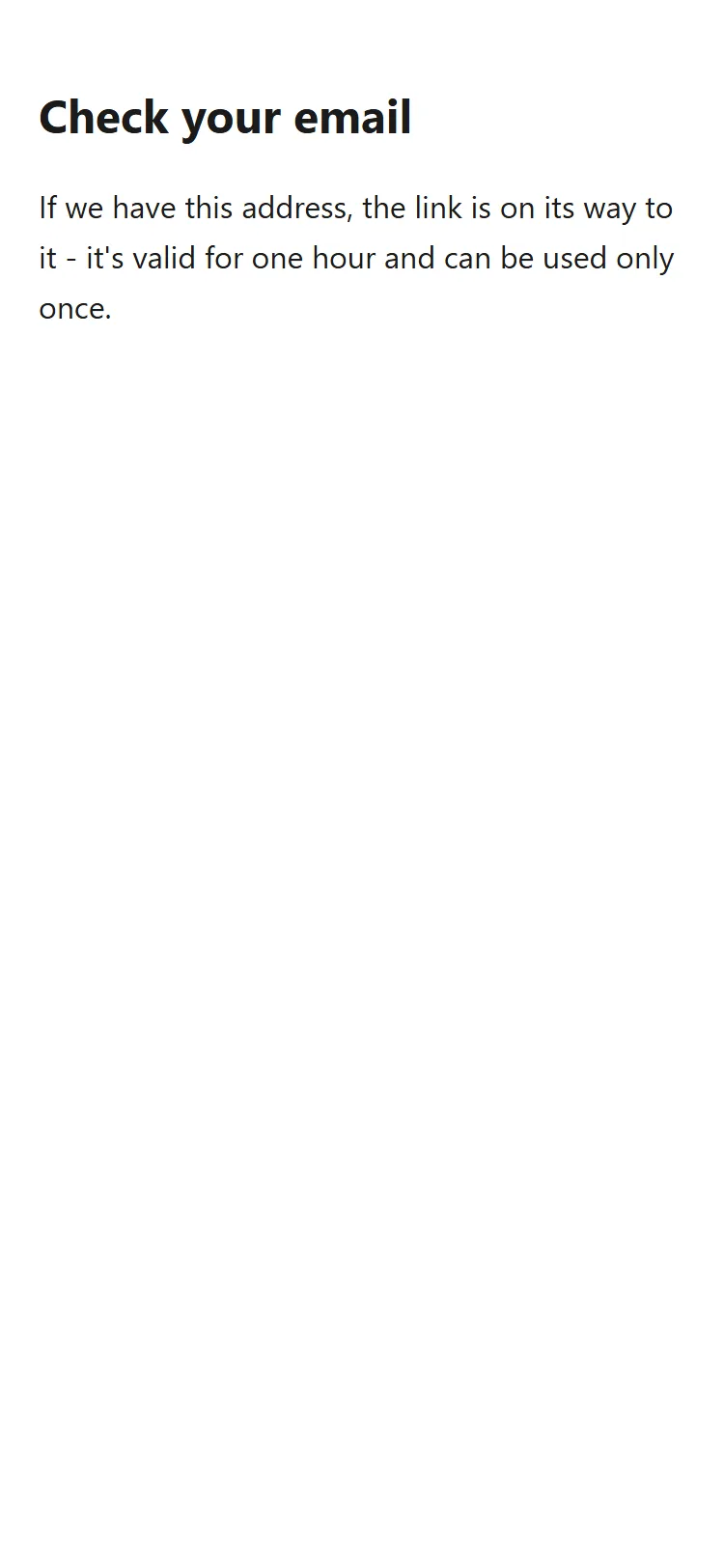
- "Check your email" appears. The link is only sent if we have that address on file, it lasts one hour and works only once.
- Open the email "Your link to your WebID account" and click the link in it.
- On the page that opens, click Open your account. You reach "Your account", where you see, for each website, the subscriptions and when they renew.
- Click Invoices, card and subscriptions (at Stripe).
"Your account" on webid.ro isn't your website's admin panel: you can't change anything on the website from there, you only get to your subscriptions and invoices.
What to do on the billing page
The page belongs to Stripe, not to us, so it looks different from the admin panel.
- You see the list of invoices. You download each invoice as a PDF and send it to your accountant.
- You see the saved card. To add a different one, use the option on the page for changing the card.
- When you're done, click the return link on the Stripe page: it takes you to webid.ro, not back to the admin panel.
Common problems
- "I didn't get the link." The address isn't the one you paid with, the link went to Spam or you requested it several times within 10 minutes. Check your Spam folder, wait 10 minutes and try the address written on the invoice. The page gives the same answer for any address, so nobody can find out whether an address is on file with us.
- "The link no longer works." The hour has passed or the link was already used. The link only counts as used when you click Open your account, not when your email app opens it. Request a new link from the same page.
- "We can't find any website linked to this address." You paid with a different address or the payment is very recent. Try another address or write to us at contact@webid.ro.
- "It says: Invoices and your card appear here after the first payment." There's no payment on this address yet.
- "It says: It didn't open." Try again in a few minutes. If it still doesn't work, write to us at contact@webid.ro and we'll send you the link.
- "I got an email saying the payment failed." Usually, the card has expired or reached its limit. Change the card on the billing page. The payment is retried within 15 days of the email and nothing stops until then. If the payment still doesn't go through within those 15 days, the unpaid subscription is suspended. Its data isn't deleted: when you pay, it starts again with it.
- "Something else isn't working." Write to us at contact@webid.ro with what you see on the screen and we'll take a look.
What it doesn't do
- Invoices aren't shown directly in your website's admin panel: you only see and download them from the Stripe billing page.
- We don't change an invoice that has already been issued. You give your business details when ordering; if you see a mistake on an invoice, write to us at contact@webid.ro.
- We only sell to businesses and sole proprietors (PFA): without a CUI you can't pay, because the invoice is issued to it.
- The link from webid.ro lasts one hour and works only once. Next time, you request a new one.
What data it uses
For invoices we use your billing details (business, CUI, address, email) and your payment history. Invoices are issued and sent to you by Stripe, our payment processor, and you enter your card directly at Stripe, so it never reaches us. We keep invoices for as long as the law requires (as a rule, 5 years) - see the Privacy notice §3.c, §3.f and §6.