How to add another language to your website (and how to drop one)
You have your website in Romanian and English and want one more language, for example Hungarian for clients from Hungary or German for tourists. We make the pages and the fixed texts (the buttons, the messages); your own texts we translate with AI, or you translate them yourself, if you take the language without translation. This is also where you'll find out what happens if you drop a language.
You need Multilingual website active (the guide How to show your website in another language too) and, to delete a language, you need to be the website owner.
How to add a language
Don't use the + Add language button in "Languages": on your website, it doesn't make the language's pages by itself.
- In the admin panel, open "My Account › What else you can add" and, on the Extra website language card, choose whether we translate it, with AI (€59, €99 or €149 + VAT, depending on the size of your website), or you take it without translation (€29) and translate the texts yourself. Then click Add to Cart (the steps are in How to add a new add-on to your website) and write to us which language you want. You get more languages in the same order, each at its own price (see Multilingual website).
- We build the language: the pages, the addresses and the website's fixed texts (the buttons, the messages), which we translate once. Then we upload it to your website.
- In the admin panel, open Account & Settings, then Settings, the "The site as a whole" level, the "Languages" panel. You see the new language, for example "Magyar hu", with how much of it you've translated.
- Translate the texts: yourself in the admin panel or in Excel. If you took the translated language, we've already translated them. The steps are in the guide How to translate your website's texts.
- Open your website and check: the language switcher in the header shows the new language too.
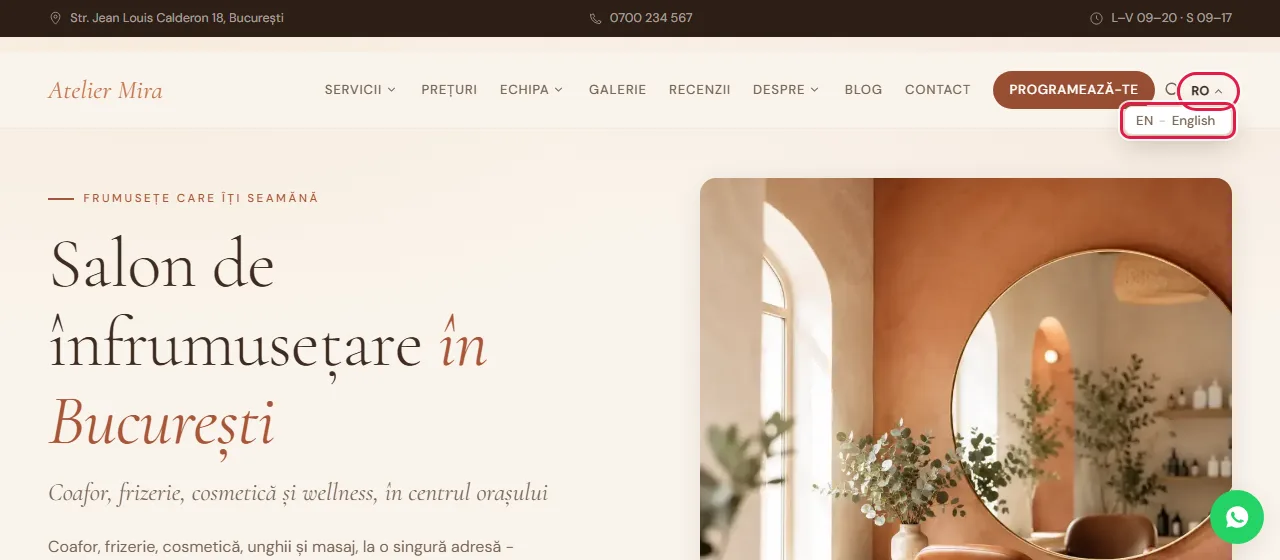
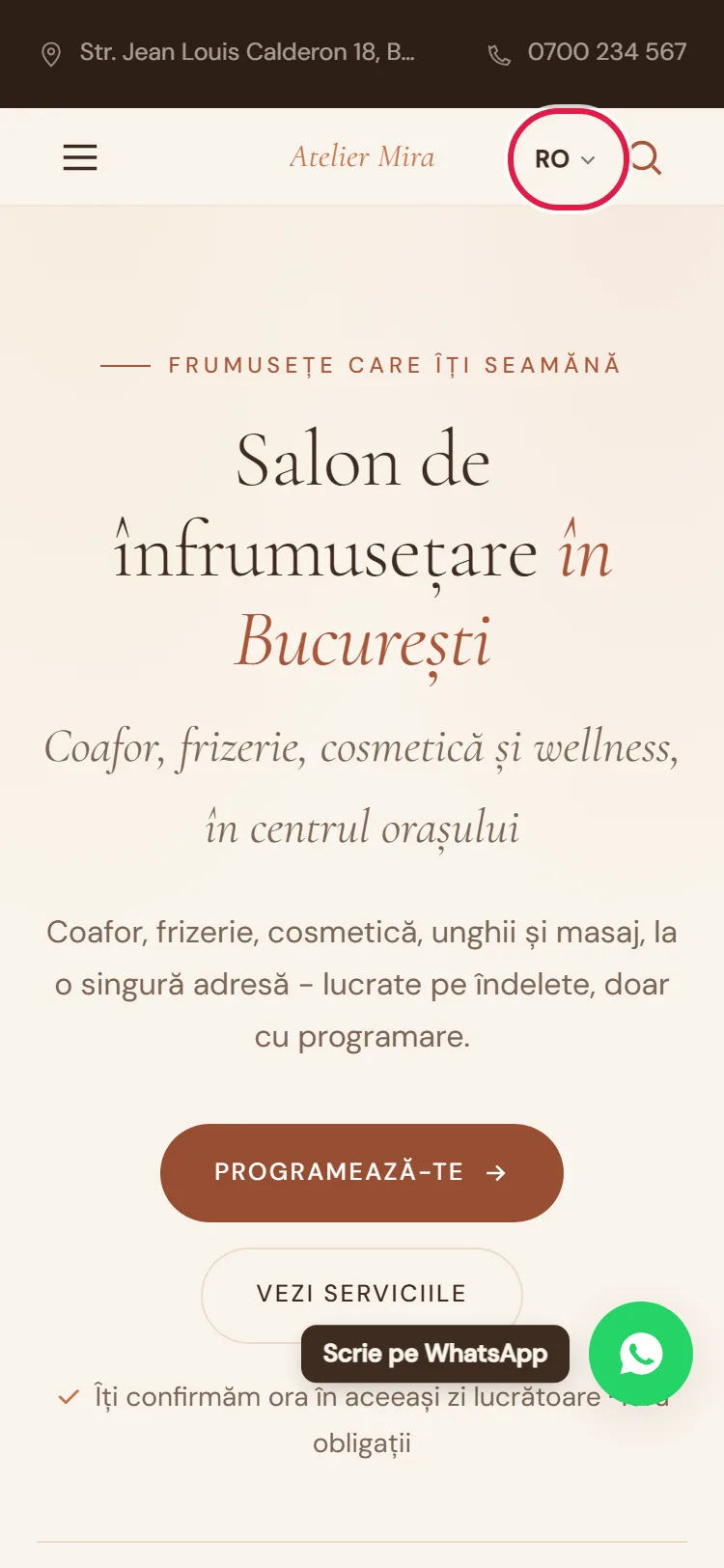
With the option without translation, the new language starts with a copy of the texts in Romanian, so you don't have empty pages. That's why the translated percentage is low at first, and anyone who picks the new language on your website sees the texts in Romanian until you translate them.
How to drop a language
Think it over before you delete: deleting happens immediately and can't be undone from the admin panel. To keep the translation after deleting, first click Export Excel next to the language and keep the file. The main language, marked "(default)", can't be deleted.
- In "Languages", click ✕ next to the language you no longer want.
- Read the confirmation question.
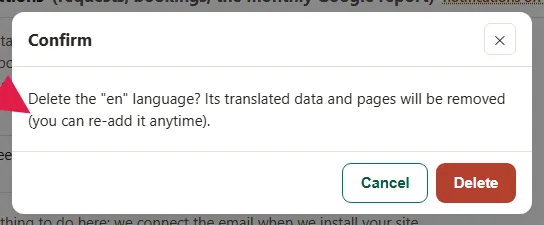
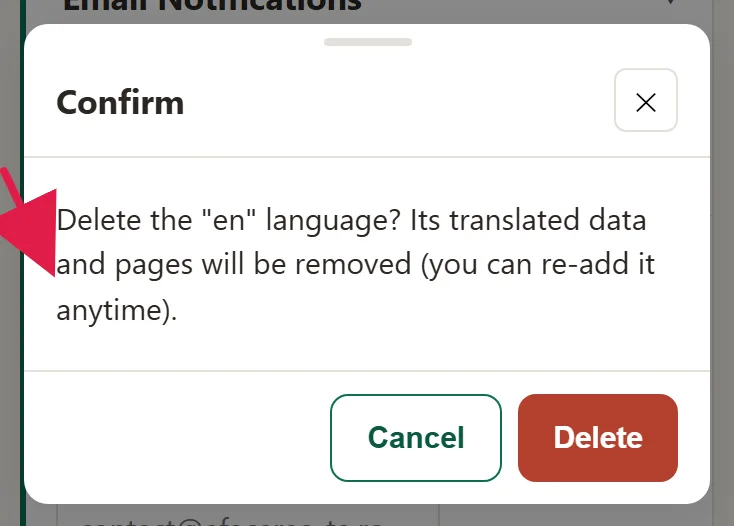
- Confirm. The language is deleted immediately, with everything that belongs to it: the translated texts and its pages on the website.
Anyone who finds a page in the deleted language on Google or has it saved as a link lands on a page that no longer exists. If you want the language back, write to us: we rebuild the pages, and you redo the translations or upload them from the file you kept, with Import Excel.
Common problems
- "I clicked '+ Add language' and nothing appears on the website." We build the pages of an added language. Order Extra website language or write to us at contact@webid.ro.
- "I deleted a language by mistake." Its translated texts and pages were deleted. Write to us at contact@webid.ro: we rebuild it, and you redo the translation.
- "I don't see ✕ next to the language." Only the website owner can delete a language, and the main language, marked "(default)", can't be deleted at all.
- "Something else isn't working." Write to us at contact@webid.ro with what you see on the screen and we'll take a look.
What it doesn't do
- The + Add language button in "Languages" doesn't make the language's pages on your website by itself. We build them when you order Extra website language.
- With the version without translation, the language starts with your texts in Romanian; with translation, we translate them, with AI. The fixed texts (the buttons and messages) come translated in both versions.
- Apart from English, the fixed parts of the addresses stay in Romanian (
/servicii/,/despre/). - Settings, photos, prices and colors are the same in all languages. You can't have a different price in another language.
- The website's main language (usually Romanian) can't be deleted.
What data it uses
A new language only copies your website's texts, on the website's server, and doesn't add any new personal data. If you delete a language, its translated texts and pages disappear immediately. Details in the DPA, under "Website + hosting".